Artificial intelligence has completely transformed the way we create, edit, and envision visual content. Today, you no longer need years of complex graphic design training to produce breathtaking artwork or hyper-realistic images. Instead, the power lies entirely in your words. By mastering the art of the prompt, anyone can guide an AI generator to produce stunning visuals that match their exact imagination.
Whether you are looking to generate striking social media content, build a professional portfolio, or simply experiment with digital art, understanding how to construct your descriptive text is the ultimate cheat code.
The Anatomy of a Perfect AI Photo Prompt
At its core, an AI text-to-image generator works like a highly skilled, lightning-fast digital artist. However, it can only paint what you tell it to. If your instructions are too vague, the artificial intelligence is forced to fill in the blanks, often leading to generic or unexpected results. To get exactly what you want, you need a structured framework.
A comprehensive prompt generally includes four key pillars:
- The Core Subject: What or who is the main focus of the image? (e.g., a cybernetic wolf, a vintage sports car, a young woman).
- The Setting and Environment: Where is the subject located? Describe the background, weather, and atmosphere.
- Lighting and Mood: Is it bright daylight, moody cyberpunk neon, or soft golden hour lighting? Lighting dictates the emotional weight of the image.
- Style and Technical Specifications: Specify the medium, such as an oil painting, a 3D render, a macro photograph, or a specific camera lens type.
By layering these details together, you provide the machine learning model with a clear roadmap, transforming a basic concept into a precise masterpiece.
Crafting Dramatic Cinematic Portraits
One of the most popular uses of visual AI is generating lifelike human portraits. Creating a portrait that looks genuinely cinematic—rather than artificial or plastic—requires a specific vocabulary.
When designing a portrait, think like a film director. Instead of just describing the person, describe the shot type and the camera equipment. Using phrases like “close-up shot,” “shallow depth of field,” or “shot on 35mm film” tells the AI to mimic real-world optical physics. This introduces natural background blur (bokeh), which instantly makes the subject pop and gives the image a high-budget movie feel.
Additionally, pay close attention to textures. Instructing the generator to include details like “intricate skin pores,” “stray hairs,” or “subtle fabric textures” prevents the AI from smoothing out the image too much, ensuring your results look authentic and deeply engaging.
Elevating Your Editing Workflow
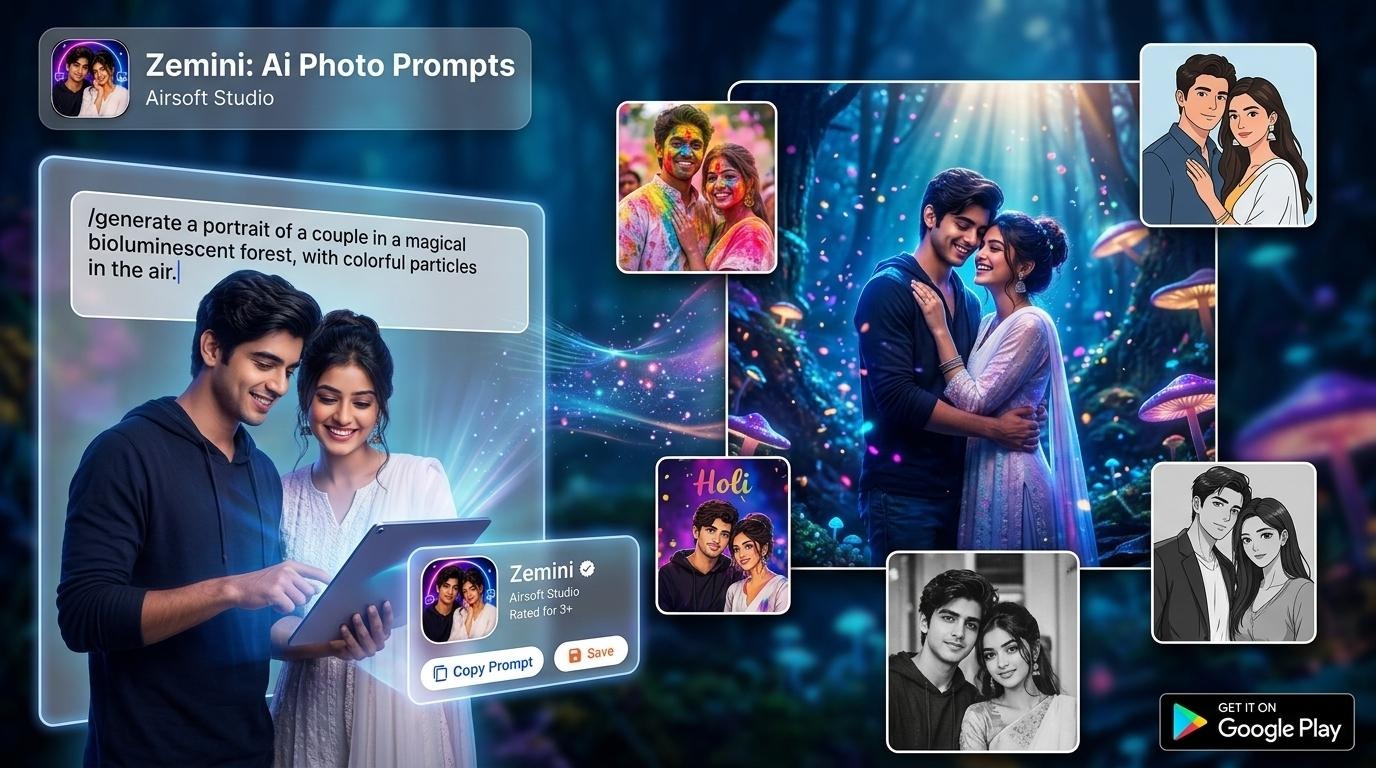
Generating an image from scratch is only half the battle; tweaking, enhancing, and refining existing imagery is where true creative control happens. Utilizing a dedicated tool like a gemini ai photo prompt application can drastically streamline this process. These specialized platforms help you bridge the gap between a raw idea and the exact syntax an AI engine needs to modify textures, swap backgrounds, or adjust lighting conditions seamlessly.
When editing via text, specificity is your best friend. Instead of asking the AI to “make the background look better,” explicitly instruct it to “replace the background with a misty Scandinavian pine forest at dawn.” If you want to alter the lighting of an existing photo, try using terms like “introduce dramatic side-lighting” or “add a warm volumetric glow.” This level of precision ensures the AI modifies only what you intend, keeping the rest of the image perfectly intact.
Capturing the Magic of Festivals and Culture
Cultural celebrations and festivals are filled with motion, vibrant color, and intense emotion. Capturing this energy in a generated image requires a heavy emphasis on sensory details.
To create realistic festival images, focus on dynamic action and color theory. Don’t just ask for a crowd; describe the “swirling bursts of colorful holi powder hanging in the air” or the “warm, flickering glow of thousands of floating paper lanterns reflecting on a river.”
To keep the image looking grounded and realistic rather than chaotic, combine these vivid descriptions with structured keywords. Using a reliable ai photo prompt framework allows you to balance high-energy action with photographic realism, ensuring that faces remain sharp, motion blur looks natural, and colors don’t bleed unnaturally.
Advanced Tips for Seamless AI Generation
As you become more comfortable writing prompts, you can implement advanced techniques to truly push the boundaries of what the technology can do:
- Embrace Weighting and Importance: Many advanced generators allow you to assign weight to specific words. If a certain element keeps disappearing from your image, emphasizing that keyword early in your sentence or using prompt syntax weights can force the engine to prioritize it.
- Use Negative Prompting: Sometimes, telling the AI what not to include is just as important as telling it what you want. Specifying terms like “deformed,” “blurry,” “extra limbs,” or “oversaturated” in a negative prompt box filters out common rendering errors before they happen.
- Study Real-World Photography: The best prompt creators are students of real-world photography. Learning the difference between Rembrandt lighting, rim lighting, and harsh midday sun will give you the exact vocabulary needed to command the AI with absolute authority.
Conclusion
The world of generative AI art moves fast, but the foundational principle remains the same: the quality of your output is entirely dependent on the clarity of your input. By treating your prompts as a blend of creative storytelling and technical direction, you unlock the ability to manifest any visual sequence you can imagine. Start experimenting with different lighting styles, camera angles, and environmental textures today, and watch your digital concepts come to life with flawless clarity.
About the Author